AutoDevice: How We Built a Top-3 AndroidWorld Agent
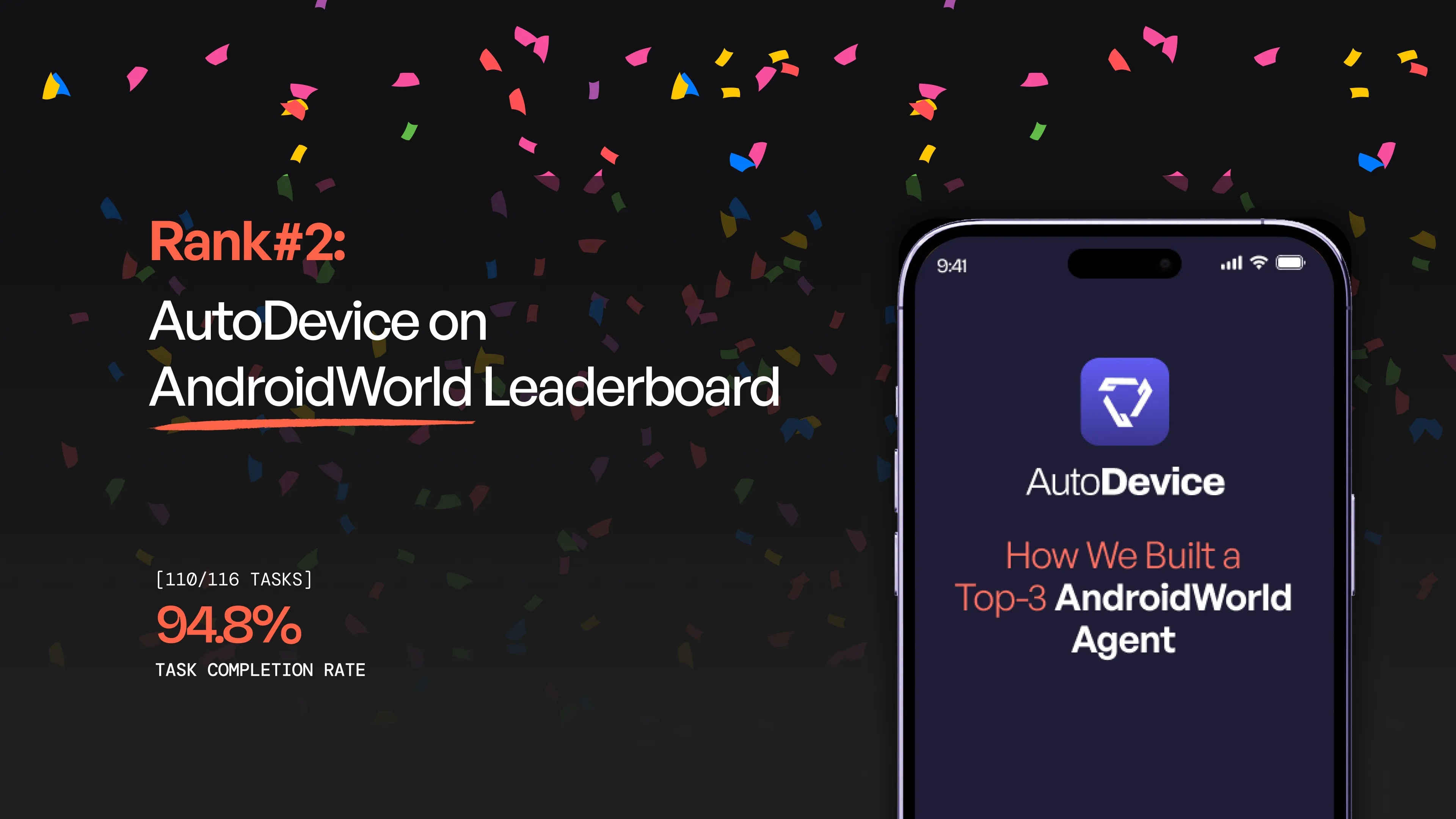
We achieved 94.8% success rate on Google Research’s AndroidWorld benchmark, ranking 2nd globally. Learn about our Hierarchical Planner-Executor architecture, Narrative Feedback Loop, Scratchpad Memory, and key takeaways from building an adaptive AI agent for real Android apps.
TL;DR
We developed an autonomous AI agent for the AndroidWorld benchmark, achieving a 94.8% success rate and ranking 2nd globally. Our secret sauce? A Hierarchical Planner-Executor architecture that separates high-level strategy (Claude Sonnet/Gemini) from low-level interaction (Claude Haiku). By implementing a Narrative Feedback Loop and a Scratchpad Memory system, our agent moves beyond simple automation to true adaptive problem-solving across 20+ real-world applications.
Introduction
We are thrilled to share that our autonomous AI agent recently achieved a 94.8% success rate on Google Research’s AndroidWorld benchmark, securing the 2nd place spot on the global leaderboard.
Navigating 20+ real-world apps—from complex calendar syncing to multi-app file management—required more than just a large language model; it required a sophisticated, multi-layered architecture. Here is the breakdown of how we built it.
1. The Hierarchical “Planner-Executor” Architecture
The core of our success lies in the separation of concerns. Instead of asking one model to do everything, we split the brain:
-
The Planner (The Strategist): Powered by Claude Sonnet or Gemini 3 Pro, the Planner analyzes the high-level goal, manages the "To-Do" list, and issues semantic instructions (e.g., "Find the save button").
-
The Executor (The Specialist): Powered by Claude Haiku, the Executor takes those semantic goals and translates them into precise pixel coordinates.
Why this works: It optimizes costs (using cheaper models for repetitive tasks) and prevents "hallucinated" clicks by forcing the Executor to justify its actions based on real-time visual feedback.
2. Learning from Failure: The Narrative Feedback Loop
Most agents fail because they get stuck in infinite loops. We solved this by implementing a Narrative Summary system. When an Executor fails a step:
-
It doesn't just return an error code.
-
It writes a "story" of what it saw and why the click failed.
-
The Planner reads this story, realizes the current strategy is a dead end, and pivots to a completely different approach (e.g., "If scrolling didn't find the contact, try the search bar instead").
3. The “Scratchpad” Memory System
To handle tasks that span multiple apps (like taking a recipe from a browser and adding it to a grocery list), we built an External Memory System.
-
Persistent Storage: Agents can createItem or fetchItem from a persistent key-value store.
-
Context Preservation: This allows the agent to "remember" data even if the app process restarts or the conversation context gets crowded.
4. Technical Innovations in Tooling
-
VLM Transcription: We integrated a dedicated Screen Transcription agent that performs OCR-like extraction, allowing the agent to "read" the screen content with 93%+ accuracy before making a move.
-
Adaptive Model Selection: We implemented a router that sends "Easy/Medium" tasks to Claude Sonnet and escalates "Hard" tasks to Gemini 3 Pro, balancing speed and reasoning depth.
Key Takeaways for the Community
-
Verification is Vital: Always verify text input after typing. Android UI can be finicky; a quick transcription check saves the task.
-
Filter-First Strategy: We learned that agents perform 30% faster when they look for a "Filter" or "Search" icon rather than scrolling through long lists.
-
Prompt Caching is a Game Changer: Using Anthropic’s 5-minute TTL caching reduced our API costs and latency significantly during long, multi-step tasks.
What’s Next?
We are open-sourcing our findings and continuing to refine our feedback loops to close the gap to #1.